
Managing 1,000+ contract workers across vendors and sites creates operational chaos with fragmented, unverified, and missing documents. This blog explains how digital document management streamlines external workforce operations, ensures document accuracy, and enables paperless onboarding for cleaner records, faster readiness, and fewer exceptions.
Why Should Companies Digitise Documents for Contract Employees?
Many companies do not struggle because documents are unavailable - they struggle because documents are scattered across multiple sources like vendor emails, WhatsApp groups, shared drives, and site teams. Some documents get uploaded repeatedly because no one knows if the previous version is current or verified. This lack of structure creates inefficiency.
For external workforce operations, poor document control leads to operational friction. A worker may arrive at a site, only to find their file is incomplete, or a bank document is missing when payout processing starts. If records aren't managed in a centralized system, documents become passive files rather than usable, traceable, action-oriented operational records.
A digital document management system should help enterprises:
Collect documents once in a structured format
Link every file to the right worker, contractor, and site
Apply the same checks across individual and bulk onboarding
Reduce duplicate submissions and document chasing
Make records usable for verification, site readiness, and payouts
When documents are digitised properly, they stop being passive files. They become operational records.
What Documents Should Be Managed in a Structured System?
For large-scale contract workforce programs, document management should start with two layers: contractor records and worker records.
1) Contractor Master Documents
These create the authorization layer. Typical records include:
Legal entity and GST details
Address, signatory, and bank details
Statutory IDs
Licenses or registrations
Work order or purchase order mapping
SPOC and escalation details
If these records are incomplete, the worker file might exist, but the operational accountability remains weak.
2) Worker Onboarding Documents
These create the identity and readiness layer. Typical records include:
Profile and address details
Photo
Government ID
Bank details
Verification outputs
UAN and ESI status (where applicable)
At scale, these documents shouldn't sit as disconnected attachments. They should be mapped to a worker record with status, timestamps, and stage-level visibility.
3) Role or Site-Specific Documents
Not every worker needs the same documents. Examples include:
Medical fitness for safety-critical roles
Police verification for sensitive roles or sites
EHS induction acknowledgement
Good document management means applying the right requirements based on role, site, and policy, rather than asking everyone for the same set of documents.
4) Verification-Linked Documents
Some documents drive decisions. Examples include:
Government ID linked to identity checks
Bank proof linked to payout readiness
Induction acknowledgements linked to site readiness
Statutory identifiers linked to eligibility and coverage
Common document management problems at scale
Document management may seem simple when handling 20–30 employees, but the challenges are magnified at 1,000+.
Documents Are Collected but Not Standardized
Contractors may submit scanned documents, others may use spreadsheets with links, and some may send mobile photos. The result? Inconsistency, not control.
Files Exist, but No One Knows the Status
A document may be uploaded, but is it verified, rejected, pending review, or expired? Without visibility into status, teams fall back on manual follow-up.
Bulk Onboarding Creates Shortcuts
Under pressure, enterprises often relax controls for large batches of workers, which creates larger issues later.
Duplicate Records and Version Confusion
The same worker may be created multiple times with slight name variations or repeated submissions. Teams end up spending time figuring out which file is latest and which record is valid.
Document Gaps Surface Too Late
The issue often arises only when the worker reaches the site, access is blocked, or payout processing begins. Correcting mistakes at this stage is costly and time-consuming.
No Clear Accountability
A missing document sits unresolved because no one owns the correction.
How to Build a Paperless Onboarding and Document Workflow
The best paperless onboarding model is more than just a digital folder. It's a structured workflow where every document has a purpose, a stage, and an outcome.
Phase 1: Standardize What Must Be Captured
Start by locking down a single enterprise-wide checklist across all contractors and locations. This prevents local variations from becoming the default model.
Phase 2: Capture Documents Digitally at Source
The closer the documents are captured to the point of worker creation, the cleaner the records become. At this stage, the system should:
Support mobile and web upload
Map documents to the correct worker and contractor
Tag files by type
Prevent submission without required fields
Phase 3: Apply Stage-Based Validation
Documents should not move from uploaded to accepted without a clear validation step. This ensures that files are good enough for the next stage and not just stored without verification.
Phase 4: Use Holds and Exception Playbooks
At scale, not every record will pass cleanly. A well-designed paperless onboarding workflow should surface errors early and route them clearly.
Examples include:
Assisted onboarding for workers without smartphone access
Alternate ID routes for OTP failures
Auto-holds for duplicates
Payout-blocking holds for invalid bank details
Phase 5: Give Teams Centralized Visibility
Teams need a central location to see:
What is pending
What is approved
What is rejected
What is blocked
Who needs to act
That’s what makes contract worker records manageable across 1,000+ employees.
Best way to manage contract worker records across vendors and sites
At enterprise scale, managing contract worker records efficiently requires more than just a shared drive or email system. A platform-led document workflow is essential for ensuring consistency, traceability, and operational readiness across multiple vendors, sites, and shifts. Here’s why a centralized, structured system is crucial:
1. Centralize Visibility Across Contractors and Sites
A platform-driven approach consolidates all contract worker records into one centralized system, making it easier for HR, compliance, and operations teams to track the status of each worker’s documents, onboarding stage, and readiness. Whether it's bank verification, government IDs, or role-specific documents, all data points are accessible in real-time, regardless of where the worker is located or which vendor they are associated with.
Example: If a worker is being onboarded across multiple contractors or job sites, a centralized dashboard helps track which documents are pending, which are verified, and which need manual follow-up. This level of visibility ensures that there are no surprises at the time of deployment or payout.
2. Standardize Document Workflows Across Vendors
When managing a large contract workforce across multiple vendors, inconsistency in document submission formats, naming conventions, and verification processes is a major challenge. A platform-led workflow ensures that all contractors follow a standardized process for collecting and submitting documents, ensuring compliance and reducing manual errors.
Example: A digital checklist could be used across all vendors, ensuring that every worker's document collection aligns with the same fields and requirements. The system could auto-flag incomplete submissions and provide standardized templates for document formats, reducing errors and confusion.
3. Enable Fast, Consistent Onboarding
As businesses scale and hire more contract workers, the onboarding process can easily become a bottleneck if handled manually. By using a platform-led document management system, enterprises can speed up onboarding by automating the capture and verification of documents and linking each worker’s file to their work order, site assignment, and payout readiness.
Example: For workers onboarding at scale, the system can automatically validate documents (e.g., verifying bank details or checking for duplicate records), ensuring that the worker is ready for deployment without waiting for manual approvals or back-and-forth communications with contractors. This leads to faster ramp-ups and avoids delays when launching new shifts or site projects.
4. Ensure Real-Time Compliance and Audit-Readiness
A platform allows for real-time tracking of document compliance, ensuring that documents such as government IDs, medical certificates, and training certifications are updated and verified in time for regulatory audits. This eliminates the risk of manual errors and ensures that workers can be deployed or paid without regulatory setbacks.
Example: An automated audit trail tracks every stage of a document’s life cycle - from upload to verification and validation - allowing compliance teams to instantly check whether all required documents are in place. This helps to maintain a clear record of all documents for future audit or compliance checks.
5. Improve Data Security and Access Control
A platform-driven document workflow not only organizes but also secures contract worker records. It ensures that only authorized users can access sensitive data, such as bank details and personal identification information, ensuring compliance with data protection regulations (e.g., GDPR, India’s Personal Data Protection Bill). Additionally, it helps mitigate risks related to data breaches or unauthorized access.
Example: Role-based access control (RBAC) within the platform ensures that only HR, compliance officers, or specific managers can access sensitive employee data, while others may only access basic documents like contract terms or shift schedules. This enhances security and compliance.
6. Provide Actionable Analytics for HR and Operations Teams
A platform-based solution allows HR and operations teams to collect and analyze data across the entire contract workforce. By aggregating data points, such as document completion times, onboarding efficiency, and worker assignment success rates, teams can identify bottlenecks, optimize workflows, and make informed decisions about resource allocation.
Example: By tracking how long it takes to verify documents for each contractor or vendor, enterprises can pinpoint inefficiencies in the process and adjust to improve future onboarding cycles. This helps to reduce onboarding delays and optimize resource allocation, particularly during high-volume hiring periods.
How BlueTree helps manage documents for 1,000+ contract employees
1) One structured onboarding standard across vendors
BlueTree helps enterprises define one checklist and one operating model instead of accepting contractor-wise document variation.
2) Bulk and remote capture without losing control
BlueTree supports high-volume onboarding across sites and vendors, helping enterprises digitise worker records without creating more manual follow-up.
3) Document-linked verification workflows
Files do not sit passively in the system. They feed verification, bank validation, background checks, statutory readiness, and site readiness workflows.
4) Exception handling with accountability
BlueTree supports reason-based holds, escalation rules, and manual review routes, which helps teams correct issues early rather than discovering them at deployment or payout stage.
5) Centralized records and dashboards
BlueTree gives teams centralized worker profiles and visibility across contractors and locations, making it easier to manage records at enterprise scale.
Conclusion
To effectively manage 1,000+ contract workers across multiple vendors and sites, relying on fragmented document storage and workflows is simply not sustainable. A platform-led document management system provides centralized visibility, standardized workflows, and fast, compliant onboarding that scale with your workforce. It ensures that contract worker records are traceable, actionable, and ready for deployment, enabling a smoother operational flow and better compliance management across the entire workforce lifecycle.


Manage External Workforce with BlueTree - Govern contract, gig, and blue collar workers across vendors, sites, and shifts.
Frequenty Asked Questions
4-5 Minutes
|
All
category
Global Payroll Week 2026: Why Blue Collar Payroll Needs Better Governance
Read More >
7-8 Minutes
|
All
category
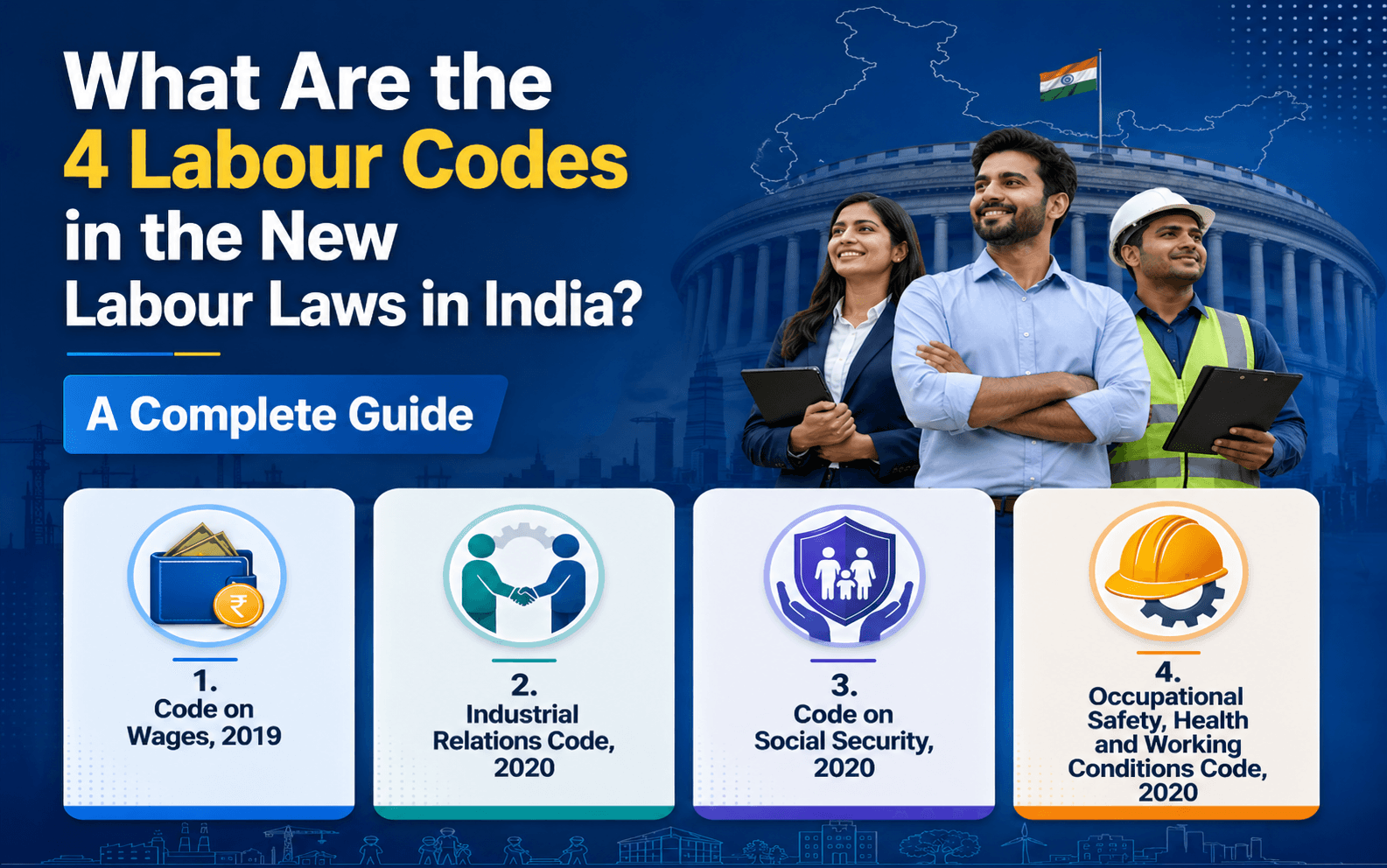
What Are the 4 Labour Codes in the New Labour Laws in India? A Complete Guide
Read More >

15 to 17 minutes
|
All
category
What Are the New External Workforce Trends in 2026?
Read More >