
Enterprises miss PF, ESI, and payout compliance when checks happen after payroll. This blog explains how to embed statutory controls inside the payroll workflow using a rules engine, attendance-to-payroll integration, proactive alerts, vendor invoice cross-checks, automated reporting, and digital audit trails. The result is fewer exceptions, faster closures, and inspection-ready compliance across sites and contractors.
Introduction
Most organisations don’t fail compliance because they ignore it. They fail because compliance is treated as a month end clean up activity. Payroll gets processed first, exceptions get explained later, and statutory checks happen only when an audit or a notice forces the team to react.
That is why full compliance feels unrealistic. Not because the laws are impossible, but because the operating model is fragmented. Attendance sits in one place, wage logic sits in another, vendor inputs come from emails, and registers are prepared manually.
Enterprises that get close to full compliance do one thing differently. They turn compliance into a payroll control layer. Critical checks run inside the payroll workflow before payment is approved, with an audit trail by default. This guide explains the controls and automations that move teams from manual compliance to consistent, inspection ready compliance across sites and vendors.
The Compliance Gap: Where Most Organizations Fail
Most organizations start with good intentions. They register with CLRA, set up PF and ESI, and process payroll monthly. But then:
A new rule comes out (like the 50 percent basic pay rule). They do not update their payroll system. Three months of non-compliance goes undetected.
A worker works irregular hours. The PF contribution is calculated wrongly. Backpay owed but not calculated.
A contractor does not remit PF on time. The principal employer does not know until EPFO sends a notice. By then, penalties have accumulated.
A worker becomes ESI-eligible on day 90. But the system does not alert. They get injured on day 95. ESI claims are processed but the company was not prepared.
These gaps stem from three problems:
No centralized rules engine: Compliance rules are scattered across the payroll system, spreadsheets, and people’s heads.
No real-time monitoring: Compliance is checked during annual audit, not continuously.
No proactive alerts: When someone is about to violate a rule, the system does not flag it.
Control 1: Automated Compliance Rules Engine
A compliance rules engine is a piece of software that continuously validates payroll against all applicable rules.
What it should validate:
Wage Structure Validation
Basic pay must be at least 50 percent of total CTC
If not, system flags and prevents payroll processing until corrected
Statutory Deduction Validation
PF contribution calculated correctly (12 percent of Basic + DA)
ESI contribution calculated correctly (0.75 percent of total wage)
Professional tax calculated per state rules
No deduction should exceed permissible limits
Eligibility Tracking
Days worked tracked for each worker
When worker completes 90 days, ESI eligibility is flagged
When worker completes 120 days (varies by state), full ESIC coverage kicks in
Gratuity eligibility tracked (1 year for fixed-term, varies for permanent)
Overtime Compliance
Hours worked per day are tracked
If worker exceeds 8 hours per day or 48 hours per week, overtime flag triggered
Overtime rate (2x) is applied automatically
Continuous presence violations are flagged
State-Specific Rule Validation
Worker location is known
Professional tax calculated per that state’s rules
Minimum wage applied per that state
Labour welfare fund contribution applied if applicable
Local compliance calendar followed
The rules engine runs silently in the background. If a violation is about to happen, the system alerts the payroll team before processing.
Control 2: Real-Time Integration: Attendance to Payroll
The biggest compliance gap is when attendance and payroll are disconnected.
Here is how real-time integration works:
Attendance is recorded : Worker marks 8 hours on Day 1
Payroll system receives it instantly: Day 1, 8 hours recorded
System validates: If worker has already worked 40 hours this week, 8 more = 48. At the 48-hour threshold, overtime kicks in.
Salary is calculated: Days worked becomes 1 day. If daily wage is 500, that is 500. If there is overtime, overtime is added.
Deductions are processed: PF calculated on this day’s wage contribution to monthly total.
Report is generated: This worker’s YTD (year-to-date) days worked, earnings, PF, ESI, and compliance status are all visible.
No payroll discrepancies. No ghost workers paid. No overtime miscalculated.
Control 3: Proactive Compliance Alerts
The system should alert the payroll team when:
A rule is about to be violated: Worker ABC is on day 89 of ESI eligibility. Tomorrow they cross 90 days. Ensure ESI deduction is active from tomorrow.
A filing is due: PF monthly return is due on 15th. You have 200 workers. Current status: submitted.
An audit is approaching: CLRA licensing renewal due in 60 days. Contractor XYZ’s license expires March 15. Renewal must be completed by then.
A wage rule changes: New state minimum wage for Maharashtra: effective March 1. Your current minimum is 500 per day. New is 520. Update needed for workers in this state.
Alerts prevent reactive firefighting. Compliance becomes proactive.
Control 4: Vendor Invoice Cross-Check Before Payment
One of the biggest compliance gaps is when contractors inflate invoices.
Real-time cross-check:
Contractor submits invoice: 50 workers worked 20 days, amount 5 lakhs
System checks attendance: Only 45 workers marked attendance for those dates
System flags: Invoice claims 50, attendance shows 45. Variance: 5 workers. Approve or investigate?
Payroll manager reviews and either rejects the invoice or asks contractor to justify the discrepancy
This single control prevents vendor fraud and keeps payroll honest.
Control 5: Automated Compliance Reporting
Monthly and quarterly compliance reports should be generated automatically:
PF Compliance Report: Employees covered, contributions submitted, filing status, any defaults
ESI Compliance Report: Workers eligible, contributions submitted, claims processed, any gaps
CLRA Compliance Report: Welfare amenities provided, working hours compliance, wage compliance
Wage Structure Report: All workers reviewed against 50 percent basic rule, any non-compliant structures identified
Audit Readiness Report: Document checklist, record completeness, any missing documentation
These reports should be audit-ready and exportable for government submission.
Control 6: Digital Audit Trail and Documentation
Every payroll action should be logged:
When salary was processed
Who approved it
What rules were applied
If any overrides were used
Supporting documentation (attendance, invoices, receipts)
This creates an audit trail that protects you if questioned.
The Implementation Roadmap
Phase 1: System Assessment
Review current payroll system:
What compliance rules are currently enforced
What is manual (spreadsheets, ad-hoc approvals)
What gaps exist
Phase 2: Compliance Mapping
Map all applicable compliance rules:
CLRA registration and licensing requirements
PF eligibility, contribution rates, filing deadlines
ESI eligibility, contribution rates, claiming procedures
Wage structure rules (50 percent basic)
Overtime rules
State-specific rules
Phase 3: System Upgrade
Implement the compliance rules engine and integrations:
Connect attendance system to payroll
Activate rules validation
Set up alerts
Create reporting templates
Phase 4: Validation and Testing
Test the system with real data:
Process payroll for a sample group
Verify compliance calculations
Ensure alerts trigger correctly
Review reports for accuracy
Phase 5: Full Rollout
Full implementation across all workers:
All rules active
All automations running
All reports generated
Team trained
Expected Outcomes After Implementation
Compliance accuracy: From 70 percent to 95 plus percent
Audit readiness: You can respond to any compliance audit within hours with complete documentation
Cost savings: Fewer penalties, fewer manual corrections, less audit overhead
Speed: Payroll processing time reduced from 3-4 days to 1 day
Trust: Workers trust their payslips. No disputes over calculations.
Conclusion
Compliance should not depend on month-end follow-ups or audit-time document hunts. When controls are embedded into daily workflows, rule validation becomes automatic, exceptions are caught early, and audit readiness becomes a steady state instead of a scramble.


Manage External Workforce with BlueTree - Govern contract, gig, and blue collar workers across vendors, sites, and shifts.
Frequenty Asked Questions
4-5 Minutes
|
All
category
Global Payroll Week 2026: Why Blue Collar Payroll Needs Better Governance
Read More >
7-8 Minutes
|
All
category
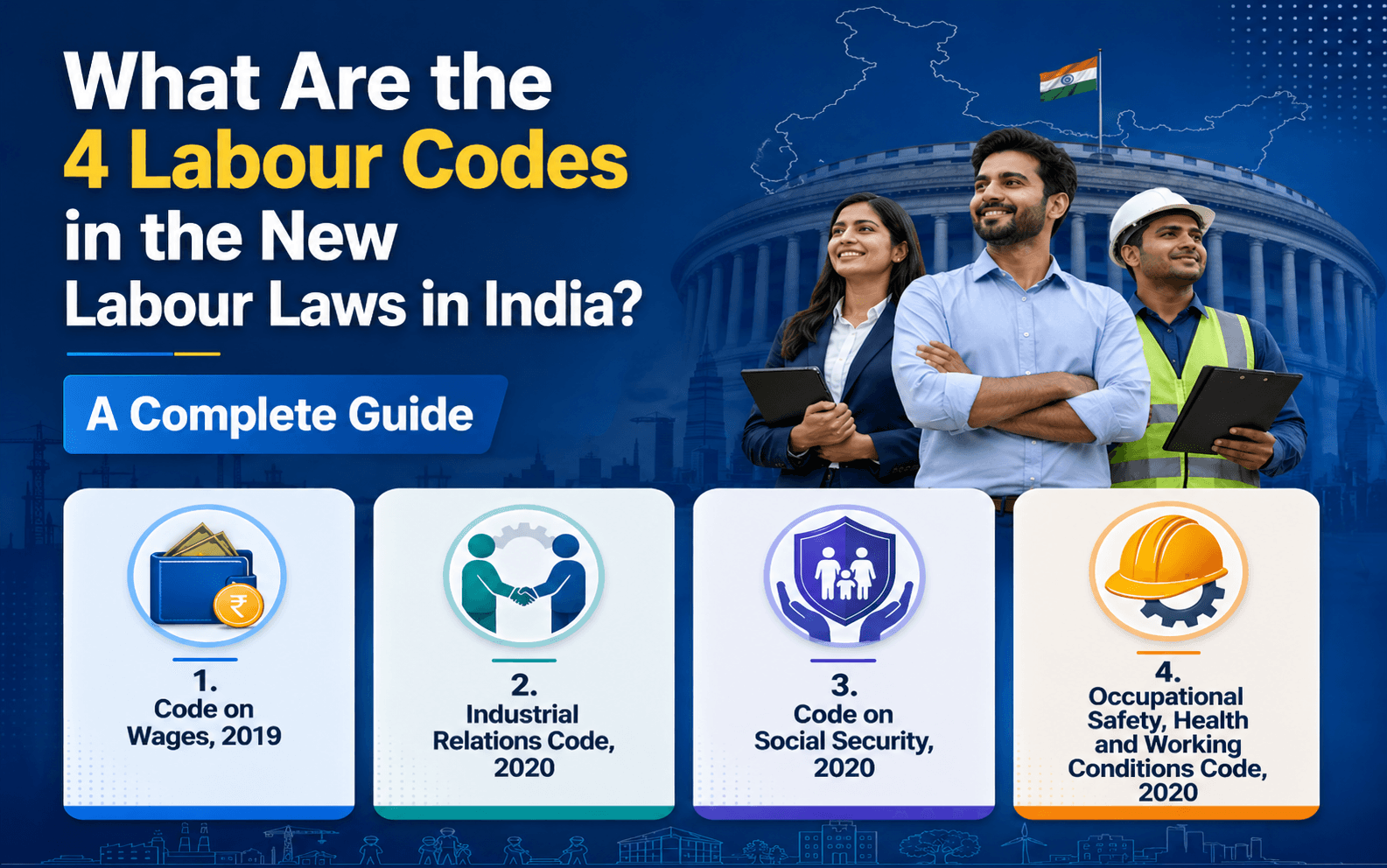
What Are the 4 Labour Codes in the New Labour Laws in India? A Complete Guide
Read More >

15 to 17 minutes
|
All
category
What Are the New External Workforce Trends in 2026?
Read More >