
Disconnected attendance, approvals, and vendor invoicing make blue-collar payouts slow and error-prone. This blog explains how automated payouts and vendor invoicing create faster wage closure by validating work, routing approvals, and generating accurate settlements with clear visibility. The result is on-time payments, fewer disputes, lower rework, and predictable cash flow for both workers and contractors.
Introduction
For enterprises with large blue-collar and external workforces, payout accuracy is not only a payroll matter. It is a workforce trust, compliance, vendor governance, and cost control issue.
Manufacturing plants, logistics hubs, warehouses, ecommerce fulfillment centres, retail networks, facility management sites, and service operations depend heavily on contract workers, gig workers, daily wage workers, piece-rate workers, apprentices, trainees, and vendor-managed labour.
In these environments, every payout depends on multiple moving parts:
Worker onboarding
Attendance capture
Shift allocation
Overtime approval
Leave or absence rules
Wage structure
Minimum wage applicability
Allowances and deductions
Vendor contract terms
Payroll cut-off cycles
Compliance validation
Vendor billing reconciliation
When these processes are handled manually, errors become common. Attendance may not match payroll. Payroll may not match vendor invoices. Overtime may be missed or overclaimed. Worker payouts may be delayed. Vendor bills may require repeated reconciliation. Compliance teams may struggle to produce accurate records during audits.
This is why automated payouts and vendor invoicing are becoming critical for enterprises managing blue-collar workforce at scale.
Automation does not mean removing human oversight. It means ensuring that attendance, wage rules, approvals, payroll calculations, contractor billing, and compliance records are connected through one controlled process.
For CHROs, HR Operations leaders, payroll heads, compliance teams, plant HR teams, finance teams, and procurement leaders, the goal is clear:
Pay workers accurately.
Validate vendor bills properly.
Reduce manual reconciliation.
Maintain compliance-ready records.
Improve workforce trust and financial control.
That is the role of automated payout and vendor invoicing systems.
Understanding the Unique Demands of Blue-Collar Payouts in India
Blue-collar payouts are more complex than standard employee payroll because the workforce is often distributed, shift-based, vendor-managed, and compliance-sensitive.
A permanent employee payroll model usually works with stable salary structures and predictable attendance cycles. Blue-collar workforce payouts, especially for contract and external workers, are different.
1. Multiple workforce categories
Enterprises may manage several workforce types at the same time, including:
Contract workers
Gig workers
Daily wage workers
Piece-rate workers
Trainees
Apprentices
NAPS and NATS categories
Part-time workers
Seasonal workers
Vendor-supplied workers
Each category may have different wage rules, attendance logic, payout cycles, statutory requirements, and billing terms.
2. Shift-based and attendance-linked payouts
For blue-collar workers, payout is often directly linked to attendance, shifts, overtime, weekly offs, holidays, and approved exceptions.
This makes attendance accuracy critical.
A single missed punch, wrong shift mapping, or delayed approval can affect:
Payable days
Overtime
Deductions
Allowances
Vendor invoice value
Compliance records
Worker trust
3. Multi-site wage applicability
Wage rules may vary by state, site, skill category, role, department, vendor, and effective date.
For example, a worker deployed in one location may have a different wage applicability than a worker in another state or skill category. If wage masters are not updated and applied correctly, enterprises may face wage errors, compliance gaps, and billing disputes.
4. Vendor-linked workforce execution
In many enterprises, blue-collar workers are supplied by multiple vendors or contractors. The vendor may manage worker sourcing, documentation, attendance follow-up, and billing submission.
However, the enterprise still needs control over whether:
The worker was actually deployed
Attendance was valid
Overtime was approved
The wage calculation was correct
The vendor bill matched approved attendance
Statutory records were complete
This creates the need for system-led validation between HR, operations, payroll, finance, compliance, and vendors.
5. Compliance-sensitive payroll
Blue-collar payouts are closely linked to statutory compliance. Payroll errors can affect wage slips, registers, overtime records, PF, ESI, deductions, contractor records, audit trails, and worker disputes.
This is why payout automation must be connected with compliance workflows, not treated as a standalone payroll calculation.
The Cost of Manual Payouts
Manual payout processes may appear manageable at small scale. But when enterprises manage thousands of workers across multiple sites, vendors, and shifts, manual processes create recurring operational risk.
The cost of manual payouts is not limited to payroll team effort. It affects finance, compliance, vendor management, worker experience, and business continuity.
1. Payroll errors and correction cycles
Manual payroll depends heavily on spreadsheets, vendor files, supervisor inputs, attendance exports, and payroll team interpretation.
This can lead to:
Incorrect payable days
Missed overtime
Wrong shift calculation
Duplicate worker entries
Incorrect deductions
Delayed corrections
Worker payout disputes
Every correction cycle increases workload and reduces worker trust.
2. Attendance and payroll mismatch
When attendance data is captured in one system and payroll is processed in another, mismatches are common.
Typical issues include:
Late attendance uploads
Missing punches
Unapproved overtime
Wrong shift mapping
Manual attendance corrections
Inactive workers appearing in payout files
Without a connected system, payroll teams spend significant time validating whether attendance is ready for payout.
3. Vendor billing disputes
Vendor invoices may be raised based on submitted headcount, attendance summaries, work orders, contractual rates, or manual claims.
If vendor invoices are not linked to verified workforce execution, disputes arise around:
Number of workers deployed
Number of payable days
Overtime billed
Rate applicability
Deductions
Statutory proof
Service charges
GST and invoice structure
This delays invoice approval and creates friction between vendors, HR, finance, and procurement.
4. Payroll leakage and overbilling
Manual processes increase the risk of paying for incorrect attendance, duplicate records, ghost workers, unapproved overtime, or wrongly billed manpower.
Payroll leakage may not always be visible immediately. It accumulates across sites, vendors, and pay cycles.
5. Compliance gaps
If payroll data is not linked with compliance data, statutory records may need to be reconstructed after the payout cycle.
This creates risk around:
Wage registers
Overtime records
Wage slips
Deductions
PF and ESI data
Minimum wage validation
Contractor records
Audit trails
Compliance becomes reactive instead of system-led.
6. Worker dissatisfaction
For blue-collar workers, payout accuracy directly affects retention. When salary is delayed, overtime is missed, deductions are unclear, or wage slips are unavailable, dissatisfaction increases.
Workers may not always escalate formally. They may simply leave.
7. Finance and HR productivity loss
Manual payout and invoicing processes consume time across multiple teams.
HR follows up on attendance and approvals.
Payroll validates payout inputs.
Finance checks invoices.
Compliance teams collect records.
Vendors respond to corrections.
Site teams clarify exceptions.
This effort repeats every payroll cycle.
What Automated Payouts Actually Do
Automated payouts are often misunderstood as only salary processing. In reality, automated payout systems for blue-collar workforce connect workforce execution with payroll readiness, compliance validation, and vendor invoicing.
The goal is not just to calculate wages faster. The goal is to ensure that every payout is based on verified, approved, and compliant workforce data.
1. Connect attendance with payout logic
Automated payout systems link attendance data with payroll rules.
They help ensure that:
Attendance is captured from approved sources
Missing punches are flagged
Shift rules are applied
Late arrivals and early exits are handled as per policy
Overtime is calculated based on approved rules
Payable days are generated from validated attendance
This reduces manual interpretation and improves payroll accuracy.
2. Apply wage rules consistently
Wage calculations for blue-collar workers can depend on location, skill category, role, vendor, shift, contract terms, allowances, deductions, and statutory rules.
Automation helps apply these rules consistently across workers and sites.
This is especially important for enterprises operating across multiple states and workforce categories.
3. Validate overtime and exceptions
Overtime is a sensitive area in blue-collar payroll. If it is missed, workers lose trust. If it is overclaimed, enterprises face cost leakage.
Automated workflows help track:
Overtime eligibility
Overtime approval
Shift extension
Weekly off work
Holiday work
Exception reasons
Supervisor approvals
This improves both worker payout fairness and cost control.
4. Generate payroll-ready outputs
An automated system can convert approved workforce data into payroll-ready outputs.
This includes:
Payable days
Overtime hours
Allowances
Deductions
Leave or absence data
Shift differentials
Worker status
Bank-ready files
Payroll summaries
Payroll teams can then process payouts with fewer corrections.
5. Align vendor invoices with verified work
Vendor invoicing automation links contractor bills with approved workforce execution.
A system can compare vendor invoice data against:
Approved attendance
Worker deployment
Contract terms
Rate cards
Work orders
Payable days
Overtime
Deductions
Compliance proof
Service charges
This reduces overbilling, underbilling, and manual reconciliation.
6. Maintain audit-ready records
Automated payout systems create traceability across the payroll cycle.
They help maintain:
Attendance logs
Approval trails
Exception records
Payroll summaries
Vendor invoice validation
Wage-related records
Deductions and overtime data
Compliance reports
This supports better audit readiness and reduces last-minute record preparation.
BlueTree: The Leading Platform for Automated Blue-Collar Payouts and Vendor Invoicing
BlueTree, through BeeForce, helps enterprises manage automated payouts and vendor invoicing for large blue-collar and external workforce ecosystems.
BeeForce is designed for industries where workforce execution is distributed across vendors, sites, shifts, and worker categories. It connects the workforce lifecycle from onboarding to attendance, payroll readiness, compliance, vendor billing, and workforce intelligence.
1. Attendance-led payout accuracy
BeeForce helps enterprises connect attendance data with payout workflows. Attendance exceptions, missing punches, shift deviations, overtime, and approvals can be managed before payroll closure.
This helps reduce payout errors caused by inaccurate or delayed attendance data.
2. Worker and vendor mapping
Every worker can be mapped to the right vendor, contractor, site, department, role, and workforce category.
This is important because payout and invoicing accuracy depend on knowing:
Who worked
Where they worked
Which vendor supplied them
Which shift they attended
Which wage rule applies
Which contract or work order governs billing
3. Payroll-ready workforce data
BeeForce helps convert workforce execution data into payroll-ready summaries. This reduces manual effort and improves payroll cycle discipline.
Payroll teams get cleaner inputs for payable days, attendance, overtime, deductions, and worker status.
4. Vendor billing reconciliation
BeeForce supports vendor invoicing by helping enterprises align vendor bills with verified attendance, deployment, work orders, and approved payroll data.
This improves invoice accuracy and reduces disputes between HR, finance, procurement, and vendors.
5. Compliance-connected payout workflows
BlueTree understands that payout accuracy and compliance readiness are closely connected.
BeeForce helps enterprises maintain better control over wage-related data, statutory inputs, worker records, vendor accountability, and audit-ready reports.
6. Exception handling and approvals
Payout errors often arise from unresolved exceptions. BeeForce helps route exceptions through structured workflows with owners, approvals, timestamps, and audit trails.
This includes missing attendance, overtime approvals, worker status changes, correction requests, and vendor mismatches.
7. Vendor accountability
BeeForce helps enterprises track vendor performance through data.
Vendors can be assessed on:
Attendance accuracy
Worker documentation
Payroll readiness
Correction timelines
Compliance gaps
Billing variance
Dispute frequency
This makes vendor governance measurable instead of relationship-driven.
8. Workforce intelligence for HR and finance
BeeForce provides visibility across workforce cost, attendance, payroll readiness, vendor billing, exceptions, and compliance gaps.
This helps leadership identify where leakage, delay, or risk is building before it becomes a recurring business problem.
Implementation Approach
Automated payouts and vendor invoicing should be implemented as a controlled operating process, not only as a payroll software change.
Enterprises should follow a phased approach.
Phase 1: Map the current payout process
Start by documenting the current flow from attendance to payroll to vendor invoicing.
Identify:
Attendance sources
Manual correction points
Payroll cut-off timelines
Vendor invoice formats
Approval owners
Compliance checkpoints
Common dispute areas
Recurring correction reasons
This helps establish where payout risk and billing delays originate.
Phase 2: Standardize worker and vendor data
Before automation, enterprises must clean and standardize master data.
This includes:
Worker ID
Vendor mapping
Site mapping
Department
Skill category
Wage category
Bank details
UAN and ESI details where applicable
Work order mapping
Contract validity
Rate card details
Automation works only when master data is reliable.
Phase 3: Connect attendance with payroll rules
The next step is to connect attendance capture with payroll logic.
Configure:
Shift rules
Grace periods
Overtime rules
Weekly off rules
Holiday work logic
Absence handling
Late arrival treatment
Early exit treatment
Approval workflows
This ensures payroll is based on validated workforce execution.
Phase 4: Automate pre-payroll validation
Before payroll is processed, the system should flag gaps.
Pre-payroll validation should check:
Missing punches
Unapproved overtime
Inactive workers
Duplicate records
Bank validation gaps
Incorrect shift mapping
Pending approvals
Statutory data gaps
Wage rule mismatches
This reduces post-payroll corrections.
Phase 5: Link vendor invoices with approved data
Vendor bills should be generated or validated against system-approved data.
This includes:
Approved attendance
Payable days
Overtime
Contract rate
Service charges
Deductions
Work order limits
Compliance proof
Billing rules
This creates a stronger bridge between HR operations and finance.
Phase 6: Build dashboards and governance reviews
Automation should be supported by dashboards and review cadence.
Track:
Payroll readiness
Pending attendance exceptions
Overtime exposure
Vendor-wise billing variance
Dispute reasons
Correction timelines
First-pass payroll accuracy
Invoice approval turnaround time
Compliance gaps
Worker payout query trends
These dashboards help enterprises continuously improve payout and billing discipline.
Conclusion
Automated payouts and vendor invoicing are becoming essential for enterprises managing large blue-collar and external workforces.
Manual payroll and contractor billing processes cannot keep pace with distributed sites, multiple vendors, shift-based attendance, overtime, wage rules, compliance requirements, and high workforce movement.
The cost of manual processes is visible in payroll errors, delayed payouts, vendor disputes, overbilling risk, compliance gaps, and high reconciliation effort.
Automated payout systems help enterprises connect attendance, shifts, approvals, wage rules, payroll, vendor invoices, and compliance data into one controlled workflow.
For blue-collar workers, this creates more accurate and transparent payouts.
For HR teams, it reduces correction cycles and manual follow-up.
For finance teams, it improves invoice validation and cost control.
For compliance teams, it creates better audit readiness.
For vendors, it establishes clearer accountability.
BlueTree BeeForce helps enterprises build this connected payout and vendor invoicing model by linking external workforce data across onboarding, attendance, payroll readiness, compliance, vendor billing, approvals, and workforce intelligence.
In 2026, payout automation is no longer only a payroll efficiency initiative. It is a workforce trust, compliance, finance control, and vendor governance priority.


Manage External Workforce with BlueTree - Govern contract, gig, and blue collar workers across vendors, sites, and shifts.
Frequenty Asked Questions
4-5 Minutes
|
All
category
Global Payroll Week 2026: Why Blue Collar Payroll Needs Better Governance
Read More >
7-8 Minutes
|
All
category
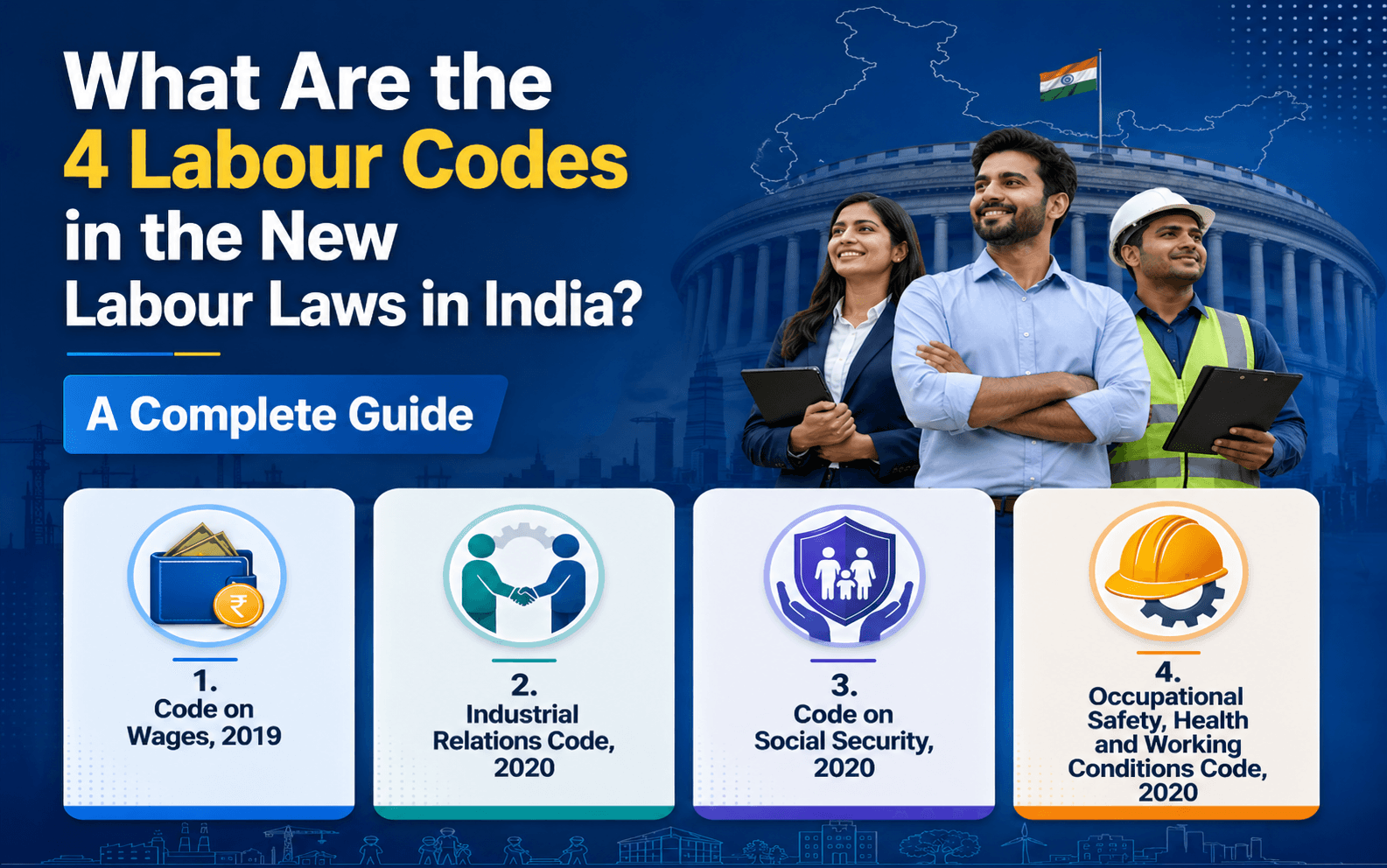
What Are the 4 Labour Codes in the New Labour Laws in India? A Complete Guide
Read More >

15 to 17 minutes
|
All
category
What Are the New External Workforce Trends in 2026?
Read More >