
Geo attendance and facial recognition attendance are now essential for India’s blue-collar workforce. This blog explains how a blue collar attendance app uses geo-fencing and liveness-verified face match to prevent buddy punching, location spoofing, and ghost entries. It also covers real-world rollout steps, risks, success metrics, and how verified attendance syncs to payroll for faster closures and audit-ready records.
Introduction
Facial recognition and geo-fencing technology has evolved from an experimental feature to a compliance necessity in blue-collar workforce management across India. When implemented correctly, these technologies eliminate the top three attendance fraud mechanisms: buddy punching, location spoofing, and ghost worker schemes.
This guide walks through how these systems work, what implementation requires, and what to expect during deployment in real-world manufacturing and field operations.
Part 1: Understanding Geo-Fenced Attendance Technology
How Geo-Fencing Works
Geo-fencing creates an invisible boundary around a physical work location using GPS coordinates. When a worker opens the attendance app, the system simply verifies if they are within the approved zone.
Workaround:
HR defines work zone boundaries
Worker opens mobile app to mark attendance
GPS calculates worker’s real-time location
System compares: Is the worker’s location within the geofence?
If yes, attendance is allowed. If no, attendance is blocked and a supervisor gets an alert.
A practical example: A 3PL logistics hub has 10 delivery zones across a city. Each zone has a 100 meter geofence. When a delivery agent tries to mark attendance from home instead of their assigned zone, the system blocks it immediately. The supervisor receives an alert: “Delivery agent tried to punch in from the wrong location.”
Why Geo-Fencing Matters for Blue-Collar Operations
Several key problems get solved with geo-fencing:
Problem Solved | Without Geo-Fencing | With Geo-Fencing |
Field staff ghosting | Delivery agent marks attendance, goes home | System prevents punch if not in zone |
Multiple worksites (same worker) | Confusion about which site they worked | System shows exact location verified |
Contractor overbilling | Invoice says 50 workers, actual attendance unclear | Supervisor can visually verify headcount against data |
Compliance audits | No proof of on-site presence | Timestamped GPS plus biometric proof |
Part 2: Facial Recognition, The Second Layer
How Facial Recognition for Attendance Works
The flow is straightforward:
Worker approaches the attendance machine (or opens app with camera)
System captures face image in real-time
AI algorithm compares captured face against stored biometric template
Match confidence score is calculated
If a match is above threshold, attendance is marked. If below, it’s rejected.
A critical capability is liveness detection. Modern systems don’t just recognize the face. They verify the person is actually present. The system asks users to blink, turn their head, or smile to confirm a living person is marking attendance.
Why Facial Recognition Eliminates Buddy Punching
Before facial recognition (fingerprint-only systems):
Worker A can let Worker B use their fingerprint
Supervisor can mark attendance for an entire team with one fingerprint
No way exists to verify who actually worked
After facial recognition:
Only Worker A’s face will unlock their attendance
Group punching becomes impossible (each person must show their face)
Even if someone uses another’s fingerprint, the face won’t match
The real impact is measurable. A 200-person manufacturing plant reported that 3 percent of attendance (6 workers per day) was buddy punching. After implementing facial recognition, buddy punching dropped to 0.1 percent. People occasionally try, but the system always rejects them.
Part 3: Implementation Requirements
Step 1: Zone Mapping and Boundary Definition
What to do:
Identify all work zones where workers should mark attendance (factory floor, warehouse, retail store entrance, field operation sites)
Walk the perimeter with GPS device and record corner coordinates
Define geofence radius
Document zones in system with labels
Mistakes to avoid:
Geofence too large: Workers can mark attendance from outside actual work area
Geofence too small: Legitimate workers just outside boundary get blocked
Overlapping geofences: Same worker can belong to two zones simultaneously
Success metric: 95 percent plus of workers can mark attendance on their first attempt without getting blocked due to boundary issues.
Step 2: Hardware and Connectivity Setup
Hardware options and their use cases:
Option | Best For | Pros | Cons |
Facial Recognition Biometric Machines | On-site, fixed locations (gates, floors) | No internet needed (offline-capable), fast, one-time investment | Requires placement in fixed zones, no mobility |
Mobile App (Smartphone) | Field operations, distributed teams | Workers use personal phones, flexible locations, direct payroll sync | Requires smartphone and data connectivity, battery drain |
Hybrid (Machine and Mobile) | Mixed operations (on-site plus field) | Covers all scenarios | Higher implementation complexity |
Connectivity requirements:
On-site facilities: WiFi or LAN connection to machines
Field operations: 4G or LTE for real-time GPS plus cellular backup
Offline mode: Critical. The system should cache attendance locally and sync when online.
Step 3: Enrollment and Biometric Capture
What happens during enrollment:
All workers are photographed
System stores encrypted face template
Fingerprint also captured
Test punch-in: Each worker verifies system recognizes them
Change management:
Workers should test the system before go-live
Conduct 3 to 5 practice runs to build familiarity
Station support staff during first week to handle rejections or issues
Step 4: Supervisor Training and Integration
Supervisor responsibilities include:
Monitor attendance dashboards
Investigate discrepancies
Override attendance if system rejects legitimate worker
Ensure no one tries to exploit the system
Dashboard training topics:
How to access real-time attendance data
Setting up alerts
How to manually verify geolocation data
How to generate compliance reports for audits
Step 5: Go-Live and Parallel Running
Best practice is to run new system in parallel with old system for 1 to 2 weeks:
Record attendance in both systems
Compare: Are results identical?
Resolve discrepancies before fully switching
Common discrepancies:
Ghost workers: Old system showed them, new system doesn’t
Buddy punching artifacts: If 3 percent of attendance was fraudulent, new system will show sudden drop
Timezone issues: GPS records timestamp in UTC; if system converts to IST incorrectly, times will be off.
Go-live readiness checklist:
99 percent plus accuracy in facial recognition
Geofences validated
Offline mode tested
Payroll integration tested
Supervisors trained and confident
Workers conducted 3 plus practice punch-ins
Backup attendance mechanism in place
Part 4: What to Expect During Implementation
Week 1: Resistance and System Issues
What happens:
Workers are cautious about new technology
Some claim facial recognition isn’t accurate
A few will try to exploit boundary edges
How to handle:
Be transparent: Explain why facial recognition improves accuracy and prevents unfair practices
Train: Show workers exactly how to position for quick, accurate recognition
Support: Have staff at machines for first week to help resolve issues
System Stabilization
What happens:
Facial recognition accuracy improves as system learns from more captures
Geofence adjustments are needed
Supervisors become confident with dashboards
Compliance and Insights
Early wins become visible:
Buddy punching rates drop (visible in attendance data compared to supervisor headcount)
Ghost workers are caught (they try to punch but system rejects them, supervisor sees alert)
Attendance data flows to payroll same-day (no manual entry delays)
Compliance reports are generated automatically
Part 5: Integration with Payroll and Compliance
Automatic Compliance Validation
Once attendance is verified (face and location), system automatically checks:
Continuous presence limits: Did any worker work over 48 hours per week?
Statutory rest periods: Are mandatory breaks between shifts enforced?
Minimum wage validation: Are daily hours greater than zero?
Payroll Sync
Before implementation: HR manually transfers attendance to payroll system
After implementation: Attendance automatically syncs to payroll same-day, PF and ESI calculated correctly
Implementation Risks and Mitigation:
Risk | Impact | Mitigation |
Facial recognition rejection rate above 3 percent | Workers frustrated, productivity dips | Test system thoroughly before go-live; ensure lighting, camera positioning optimal |
Geofence too tight | Legitimate workers blocked | Validate boundaries with test punch-ins; adjust radius if needed |
System downtime | Can’t record attendance | Ensure offline capability; maintain manual register as backup |
Data breach (face biometrics) | Privacy violation, legal liability | Use vendor with SOC 2 certification; encrypt data; limit admin access |
Integration failure (attendance to payroll) | Payroll not processed correctly | Parallel test before full cutover |
Success Metrics (Post-Implementation)
Metric | Before Implementation | After Implementation | Target |
Buddy punching rate | Low single digit levels, varies by site | Near-zero with stronger verification | Consistently near-zero |
Ghost worker incidents | Usually surfaced only during audits, often late | Flagged quickly through attendance-to-payroll checks | No successful fraud, early detection of attempts |
Payroll processing time | Takes a few days due to corrections and rework | Same-day closure in stable cycles | Closure within a few hours for mature teams |
Compliance violations | Issues discovered during external reviews | Exception alerts and audit-ready logs | No repeat exceptions, audit-ready every cycle |
Worker satisfaction | Not consistently measured | Higher trust due to clear rules and transparency | High satisfaction and fewer disputes |
Conclusion
Attendance fraud in multi-shift operations is rarely a tool problem alone. It persists when verification, approvals, and payroll linkage are disconnected and exceptions are handled through follow-ups. A phased rollout that combines identity-based punch capture, location validation, and payroll-ready rules turns attendance into a controlled operating layer, reducing fraud, speeding up wage processing, and improving audit readiness within a predictable timeline.


Manage External Workforce with BlueTree - Govern contract, gig, and blue collar workers across vendors, sites, and shifts.
Frequenty Asked Questions
4-5 Minutes
|
All
category
Global Payroll Week 2026: Why Blue Collar Payroll Needs Better Governance
Read More >
7-8 Minutes
|
All
category
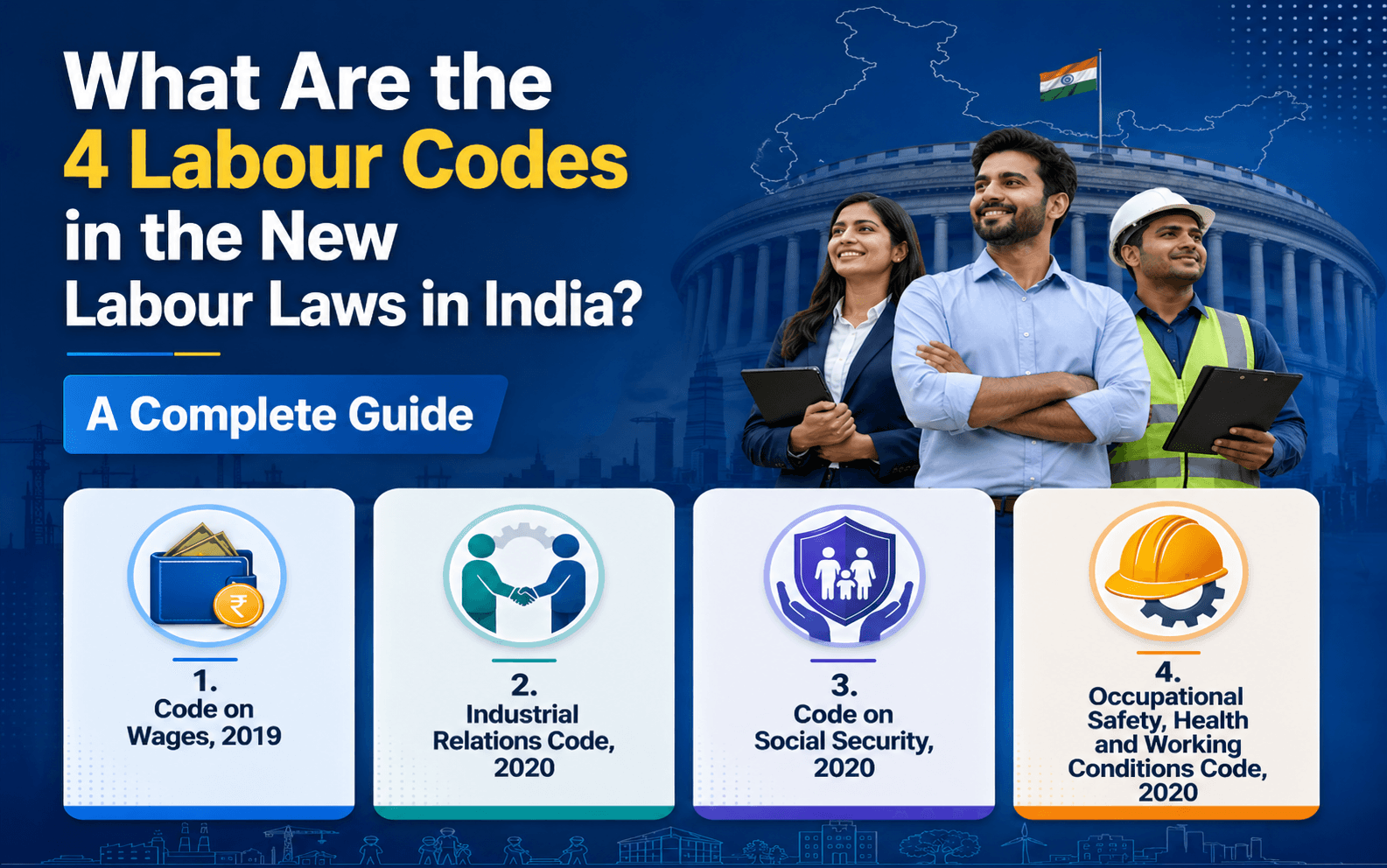
What Are the 4 Labour Codes in the New Labour Laws in India? A Complete Guide
Read More >

15 to 17 minutes
|
All
category
What Are the New External Workforce Trends in 2026?
Read More >